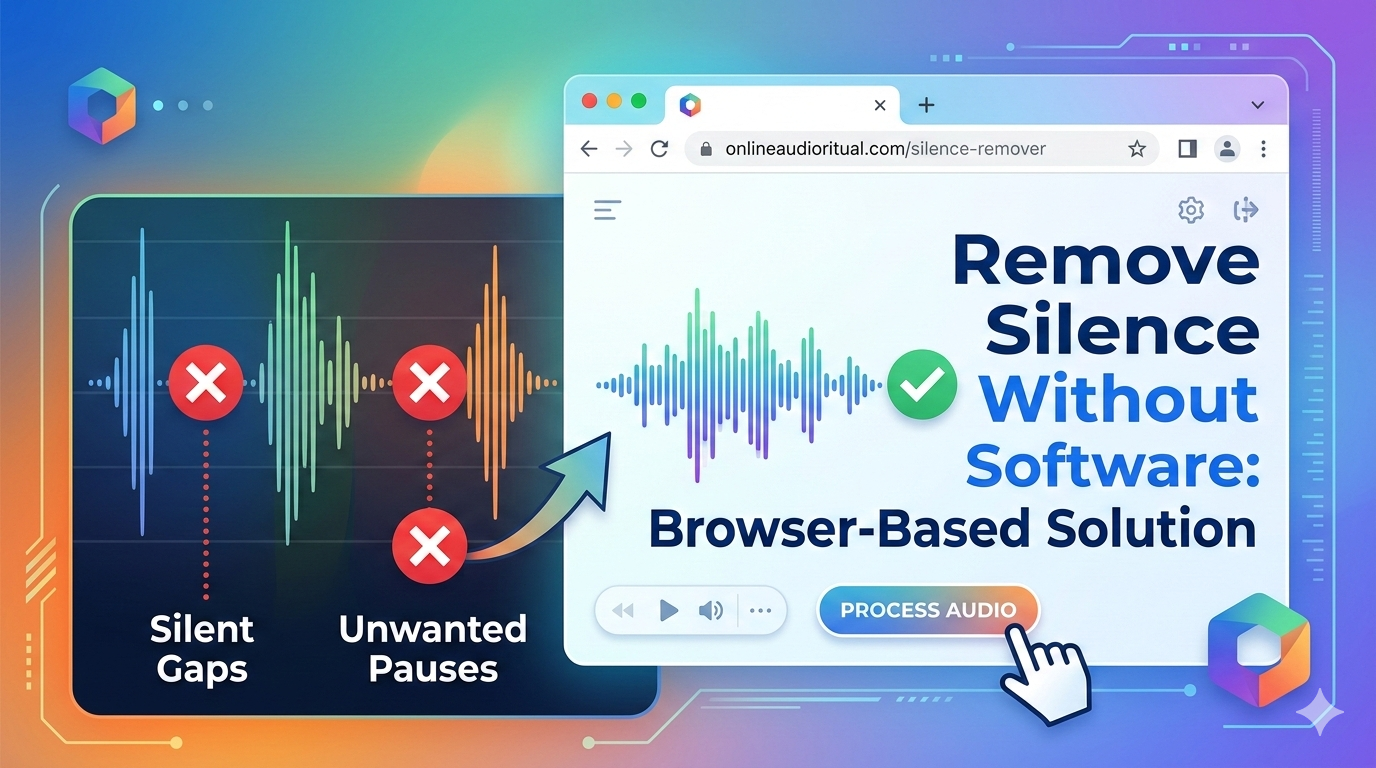
Tired of downloading bulky audio editing software just to remove silence from your audio files? You're not alone. In 2026, you don't need to install Audacity, Adobe Audition, or any other software to clean up your audio. Browser-based tools let you remove silence from audio without software - no downloads, no installation, completely free.
Why Remove Silence Without Installing Software?
1. No Storage Space Required
Audio editing software is massive:
- Adobe Audition: 1.2GB
- Audacity: 50-100MB
- Pro Tools: 15GB+
- Browser-based solution: 0GB - runs entirely online
2. Works on Any Device
No software means true cross-platform freedom:
- ✅ Windows PC
- ✅ Mac
- ✅ Chromebook
- ✅ Linux
- ✅ Even tablets with a browser
3. No Learning Curve
Desktop software requires:
- Hours learning the interface
- Understanding complex settings
- Watching tutorials
- Trial and error
Browser-based solution: Upload → Process → Download. Done in 60 seconds.
4. No Security Concerns
Installing software means:
- Potential malware risks
- System permissions
- Background processes
- Auto-updates consuming bandwidth
Online tools: Zero installation = zero security risk from downloads.
5. Always Updated
Software requires manual updates. Browser tools are always running the latest version automatically.
Remove Silence - No Software Needed
Process your audio files directly in your browser. No downloads required.
Try BahaaSR Free →How to Remove Silence from Audio Without Software
The Modern Way: BahaaSR Browser-Based Tool
Remove silence from any audio file without installing anything:
Complete Step-by-Step Process:
- Open your browser - Chrome, Firefox, Safari, Edge all work
- Visit BahaaSR.com - no signup, no login
- Click "Choose File" or drag-and-drop your audio
- Upload completes in seconds (even large files)
- AI processing starts automatically - typically 30-60 seconds
- Download your cleaned audio with all silence removed
What Makes This Better Than Software?
- ✅ Zero installation: Works immediately, no setup
- ✅ No storage used: Your hard drive stays clean
- ✅ Cross-platform: Same experience on any OS
- ✅ Free forever: No trial periods or paid tiers
- ✅ AI-powered: Smarter than manual editing
- ✅ Fast: Process files in seconds, not minutes
- ✅ Private: Files deleted immediately after processing
Comparison: Browser Tool vs Desktop Software
| Feature | BahaaSR (Browser) | Desktop Software |
|---|---|---|
| Installation Required | ❌ None | ✅ 50MB-15GB download |
| Setup Time | 0 seconds | 5-30 minutes |
| Learning Curve | None - 3 clicks | Hours of tutorials |
| Processing Method | AI automatic | Manual selection |
| Time to Remove Silence | 30-90 seconds | 10-30 minutes |
| Cost | Free forever | $0-$20/month |
| Updates | Automatic | Manual download |
| Works on Chromebook | ✅ Yes | ❌ No |
Who Benefits Most from No-Software Audio Editing?
1. Podcasters on the Go
Process podcast episodes from any computer - home office, library, coffee shop, or travel laptop.
- No need to carry your editing software
- Use any available device
- Same results regardless of computer
2. Chromebook Users
Chromebooks can't install traditional desktop software, but browser-based tools work perfectly.
- Full audio editing capability
- No Android workarounds needed
- Professional results on budget devices
3. Occasional Audio Editors
Need to remove silence once a month? Don't install software that sits unused.
- Use when needed, no overhead when not
- No software updates to manage
- Zero learning curve to forget between uses
4. Users with Limited Storage
Small SSD? Don't waste 1-15GB on audio software.
- Keep storage free for important files
- No temp files cluttering your system
- Clean, minimal system footprint
5. IT-Restricted Environments
Work or school computer that blocks software installation? Browser tools bypass these restrictions.
- No admin privileges required
- Access through standard browser
- IT-friendly solution
Common Scenarios: Remove Silence Without Software
Scenario 1: Quick Podcast Edit
Situation: You recorded a 45-minute podcast interview with awkward pauses and need to publish today.
Old way: Download Audacity (15 min), watch tutorial (30 min), manually edit (2 hours) = 2 hours 45 min.
New way: Upload to BahaaSR, AI processes (60 sec), download = 3 minutes total.
Scenario 2: Traveling Content Creator
Situation: You're traveling with a lightweight laptop and need to edit audio for a client.
Old way: Your editing software is on your main computer at home. Can't complete the job.
New way: Open browser, use BahaaSR from any device, deliver on time.
Scenario 3: Unexpected Audio Cleanup
Situation: A colleague sends you an audio file with tons of silence. You don't normally edit audio.
Old way: Spend 30 minutes installing software you'll never use again.
New way: Process in browser in 2 minutes, done.
Scenario 4: Multiple Devices
Situation: You work on desktop at work, laptop at home, and sometimes iPad on the couch.
Old way: Install and configure software on every device, manage licenses.
New way: Same browser tool works everywhere identically.
Technical Details: How Browser-Based Processing Works
Is It Really "Without Software"?
Technically, you're using browser-based web applications. But from a user perspective:
- ✅ No executable to download
- ✅ No installation wizards
- ✅ No registry entries or system modifications
- ✅ No icons cluttering your desktop
Processing Happens in the Cloud
When you upload to BahaaSR:
- File uploads to secure cloud servers
- AI analyzes audio waveform
- Silence detection algorithm runs
- Silence removed, file re-encoded
- Download link provided
- Original and processed files deleted automatically
File Size Limitations?
BahaaSR handles files up to 500MB - more than enough for:
- 3+ hour podcasts (MP3 192kbps)
- 45+ minute WAV files (44.1kHz stereo)
- Multiple audio tracks
Internet Speed Matters
Since processing happens online:
- Fast connection (50+ Mbps): Upload 50MB in 10 seconds
- Average connection (10 Mbps): Upload 50MB in 40 seconds
- Slow connection (2 Mbps): Upload 50MB in 3-4 minutes
Processing time is constant (30-90 sec) regardless of connection speed.
💡 Pro Tip
Browser-based tools are perfect for removing silence from audio without software, but they require internet. If you frequently work offline (flights, remote areas), browser tools won't work. For most users working with internet access, the convenience far outweighs this limitation.
Privacy & Security: Browser Tools vs Installed Software
Privacy Concerns
Browser Tools (BahaaSR):
- Files processed and deleted immediately
- No account required = no personal data collected
- HTTPS encryption during upload/download
- Clear privacy policy
Desktop Software:
- Files stored locally (more private in theory)
- But: Software may phone home with usage data
- Privacy policy often buried and complex
- Local storage = vulnerable to local threats
Security Risks
Installing Software:
- Malware risk from unofficial downloads
- Bundled bloatware
- System permissions and access
- Outdated versions with security vulnerabilities
Browser Tools:
- No installation = no malware installation risk
- Sandboxed in browser environment
- Always running latest secure version
Frequently Asked Questions
Can I really remove silence from audio without installing anything?
Yes. Browser-based tools like BahaaSR work entirely online. Just open the website, upload your file, and download the processed audio. No software installation required.
Is browser-based audio processing as good as desktop software?
For silence removal, yes. Modern AI algorithms in browser tools often outperform manual editing in desktop software. The results are identical to or better than manual editing.
What if I have slow internet?
Upload time depends on connection speed, but processing is fast once uploaded. A 20MB podcast uploads in 30-60 seconds on average connections and processes in another 30-60 seconds.
Do browser tools work offline?
No. Browser-based tools require internet access for upload, processing, and download. If you need offline editing, desktop software is necessary.
Can I use browser tools on my phone?
Yes! BahaaSR works on mobile browsers. The interface adapts to smaller screens, making it possible to remove silence from audio on phones and tablets.
Is there a file size limit?
BahaaSR supports files up to 500MB - sufficient for 3+ hour podcasts or 45+ minute WAV files. Most users never hit this limit.
Will I lose audio quality?
No. The audio content itself isn't re-compressed. Quality remains identical to your original file.
Why Most Users Choose Browser-Based Tools in 2026
The shift from desktop software to browser-based tools is accelerating. Here's why:
1. Instant Gratification
Modern users expect immediate results. Downloading, installing, and learning software is outdated friction. Browser tools deliver instant value.
2. Device Agnostic
We work on multiple devices. Browser tools work identically everywhere - no syncing, no license management, no configuration.
3. Zero Maintenance
Software requires updates, troubleshooting, and eventual reinstallation. Browser tools are always current, never break, never need reinstalling.
4. Specialized Task Focus
Most users don't need full-featured audio editing suites. They need to remove silence - one specific task. Browser tools specialize in doing one thing perfectly.
5. Cost-Effective
Why pay monthly subscriptions for software when browser tools offer the same specific functionality free?
Conclusion: The Future of Audio Editing is Software-Free
Installing audio editing software made sense in 2010. In 2026, it's unnecessary overhead. Browser-based tools let you remove silence from audio without software, giving you the results you need without the bloat you don't.
Whether you're a podcaster, content creator, or occasional audio editor, the benefits are clear: no downloads, no installation, no learning curve, no cost. Just upload, process, and download - done in minutes from any device, anywhere.
Ready to experience the freedom of software-free audio editing? Remove silence from your audio files now - no software required, no signup needed, completely free.
Try It Now - No Software Needed
Remove silence from your audio files directly in your browser
Start Free →