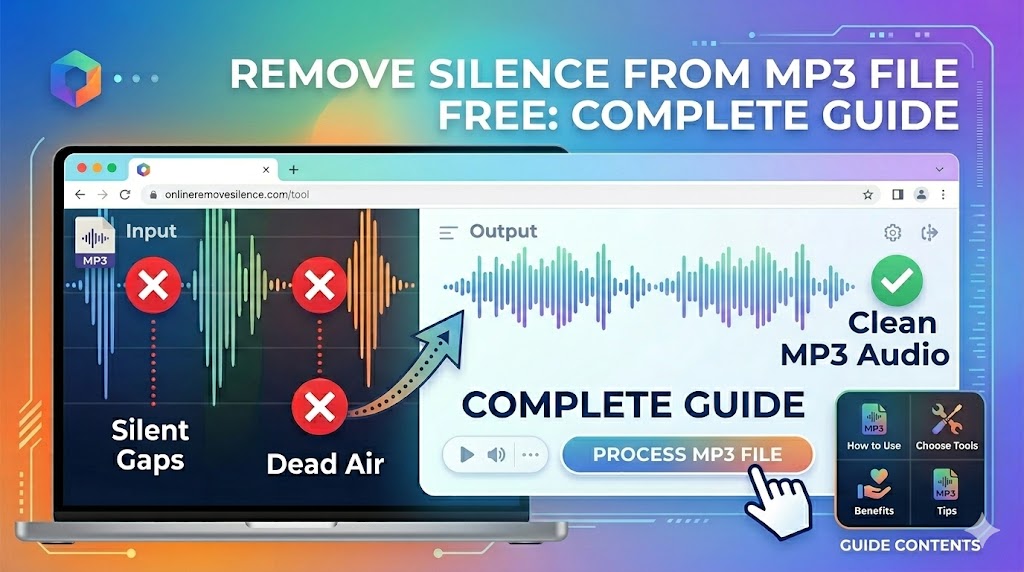
Looking to remove silence from MP3 files without spending a dime? You're in the right place. In this comprehensive guide, we'll show you the best free tools and methods to clean up your MP3 files by removing unwanted silence - all without any cost, registration, or hidden fees.
Why Remove Silence from MP3 Files?
MP3 is the world's most popular audio format, and for good reason - it offers excellent quality at reasonable file sizes. However, many MP3 files contain unwanted silence that:
- Wastes storage space: Silent sections still take up file size
- Reduces engagement: Listeners lose interest during long pauses
- Looks unprofessional: Excess silence signals amateur production
- Affects playback: Awkward pauses disrupt listening flow
Best Free Tools to Remove Silence from MP3 Files
1. BahaaSR - Completely Free Online Tool (Our Top Pick)
BahaaSR offers the easiest way to remove silence from MP3 files completely free, with no catches:
- ✅ 100% Free Forever: No trial period, no premium upsells
- ✅ No Registration Required: Start processing immediately
- ✅ AI-Powered Detection: Automatically identifies unwanted silence
- ✅ Supports All MP3 Bitrates: From 64kbps to 320kbps
- ✅ Files up to 100MB: Covers most MP3 files
- ✅ Preserves Quality: No re-encoding losses
- ✅ Instant Processing: Results in seconds
Remove Silence from Your MP3 File Free
Upload your MP3 file and get it processed in seconds - completely free
Process MP3 Free Now →2. Audacity (Free Desktop Software)
Audacity is a powerful free audio editor that can remove silence from MP3 files:
- Pros: Full-featured, open source, works offline
- Cons: Requires download/installation, steeper learning curve, manual process
- Best For: Users who need advanced editing features
3. Ocenaudio (Free Desktop App)
Ocenaudio offers a simpler interface than Audacity:
- Pros: User-friendly, real-time preview, cross-platform
- Cons: Still requires installation, limited automation
- Best For: Beginners who want desktop software
How to Remove Silence from MP3 File Free with BahaaSR
Follow these simple steps to clean up your MP3 files in seconds:
- Visit BahaaSR: Go to our free online tool
- Upload Your MP3: Drag and drop or click to select your file (up to 100MB)
- Automatic Processing: Our AI analyzes and removes unwanted silence
- Download Result: Get your cleaned MP3 file instantly
No registration, no email required, no credit card - just upload and process. That's it!
Free vs Paid: What's the Real Difference?
Many tools claim to be "free" but have hidden limitations. Here's an honest comparison:
| Feature | BahaaSR (Free) | Typical "Free" Tools |
|---|---|---|
| File Size Limit | 100MB | 5-20MB |
| Processing Speed | Fast | Slow queue |
| Registration Required | No | Yes |
| Watermarks | None | Often added |
| Daily Limits | None | 2-5 files/day |
"I've tried several 'free' tools that forced me to sign up or had tiny file limits. BahaaSR actually delivers on the promise of being completely free." - Sarah M., Podcast Producer
Remove Silence from MP3 for Different Use Cases
Podcast Episodes
Podcasters benefit greatly from removing silence in MP3 files. Dead air between segments can lose listeners. Clean, tight editing keeps audiences engaged through entire episodes.
Music Production
Remove unwanted silence at the beginning or end of MP3 music tracks. Clean starts and endings make your music sound more professional and radio-ready.
Audiobook Chapters
Audiobooks often have excessive silence between paragraphs or chapters. Removing it creates a better listening experience and reduces file sizes.
Voice Recordings
Voice memos, lectures, and interviews often have awkward pauses. Cleaning them up makes content more digestible and professional.
YouTube Audio
If you're extracting audio from YouTube videos to MP3, removing silence helps create tighter, more engaging audio content for re-use.
Technical Guide: MP3 Silence Detection
How Silence Detection Works
When you remove silence from MP3 files, the tool analyzes the audio waveform to identify sections below a certain volume threshold. These sections are then cut out or shortened based on your preferences.
Preserving Audio Quality
A common concern with MP3 processing is quality loss. Here's what affects quality:
- Re-encoding: Each time you re-encode MP3, quality degrades
- Bitrate: Higher bitrates (256-320kbps) preserve more quality
- Smart Processing: BahaaSR removes silence without full re-encoding when possible
Understanding MP3 Bitrates
MP3 files come in various bitrates:
- 64-128 kbps: Lower quality, smaller files (phone calls, voice memos)
- 192 kbps: Good quality (most podcasts, online streaming)
- 256-320 kbps: High quality (music, professional audio)
All bitrates work with silence removal - the process doesn't reduce bitrate.
Troubleshooting Common Issues
"File Too Large" Error
If your MP3 file exceeds 100MB:
- Compress the file slightly (this won't affect silence removal)
- Split into smaller segments
- Convert to lower bitrate (192kbps is usually sufficient)
Quality Concerns
If you're worried about quality loss:
- Always keep your original file as a backup
- Use the highest bitrate version you have
- Compare results - most users can't hear any difference
Silence Still Remains
If some silence wasn't removed:
Alternative Free Methods
Using FFmpeg (Command Line)
For technical users, FFmpeg offers free silence removal via command line:
ffmpeg -i input.mp3 -af silenceremove=stop_periods=-1:stop_duration=1:stop_threshold=-50dB output.mp3
Pros: Powerful, scriptable, offline
Cons: Requires technical knowledge, command-line only
Python Scripts
Developers can use Python libraries like pydub for custom silence removal:
from pydub import AudioSegment, silence
audio = AudioSegment.from_mp3("input.mp3")
audio = silence.detect_nonsilent(audio, min_silence_len=500, silence_thresh=-40)
Pros: Fully customizable
Cons: Requires programming knowledge
💡 Pro Tip
While command-line tools and programming offer more control, BahaaSR provides the same AI-powered silence removal through an easy-to-use interface - no technical knowledge required. Try it free now.
Frequently Asked Questions
Is BahaaSR really completely free?
Yes! There are no hidden costs, no trial periods, no premium upgrades required. We offer this service free because we believe everyone deserves access to quality audio tools.
Will removing silence reduce MP3 quality?
No. Removing silence doesn't affect the audio quality of the parts that remain. You're only cutting out the silent sections - the actual audio content stays identical.
Can I process multiple MP3 files?
Yes, you can process as many files as you need, one at a time. There are no daily limits or quotas.
How does "free forever" work?
We support our free service through optional donations and by offering a Pro version with advanced features like batch processing. The core silence removal feature will always be free.
What happens to my MP3 files after processing?
Your files are automatically deleted from our servers immediately after processing. We never store, share, or use your audio files for any purpose.
Can I remove silence from protected MP3 files?
As long as you own the rights to the MP3 file or have permission to edit it, yes. We don't bypass DRM protection.
Does this work with MP3s from any source?
Yes! Whether your MP3 came from a recording device, downloaded from the web, converted from another format, or exported from editing software - all standard MP3 files work.
Conclusion: The Best Way to Remove Silence from MP3 Files Free
While there are many ways to remove silence from MP3 files for free, most involve complex software, technical knowledge, or hidden limitations. BahaaSR offers the simplest solution: upload your MP3, let our AI do the work, and download your cleaned file - all completely free.
No registration. No credit card. No hidden fees. No catch.
Ready to clean up your MP3 files? Upload your MP3 file now and experience the difference that professional silence removal makes - completely free, forever.
Start Removing Silence from MP3 Files Free
Join thousands of users who trust BahaaSR for free MP3 silence removal
Try It Free Now →